type
Post
status
Published
date
Nov 25, 2023
summary
本文介绍了如何使用fly.io部署next-terminal和宝塔远程mysql。文章提供了注册和使用fly.io的步骤,以及自定义域名和一些fly.io的技巧。
tags
Docker
category
Collections
password
slug
icon
介绍或总结
- 远程部署docker
- serverless
介绍fly.io
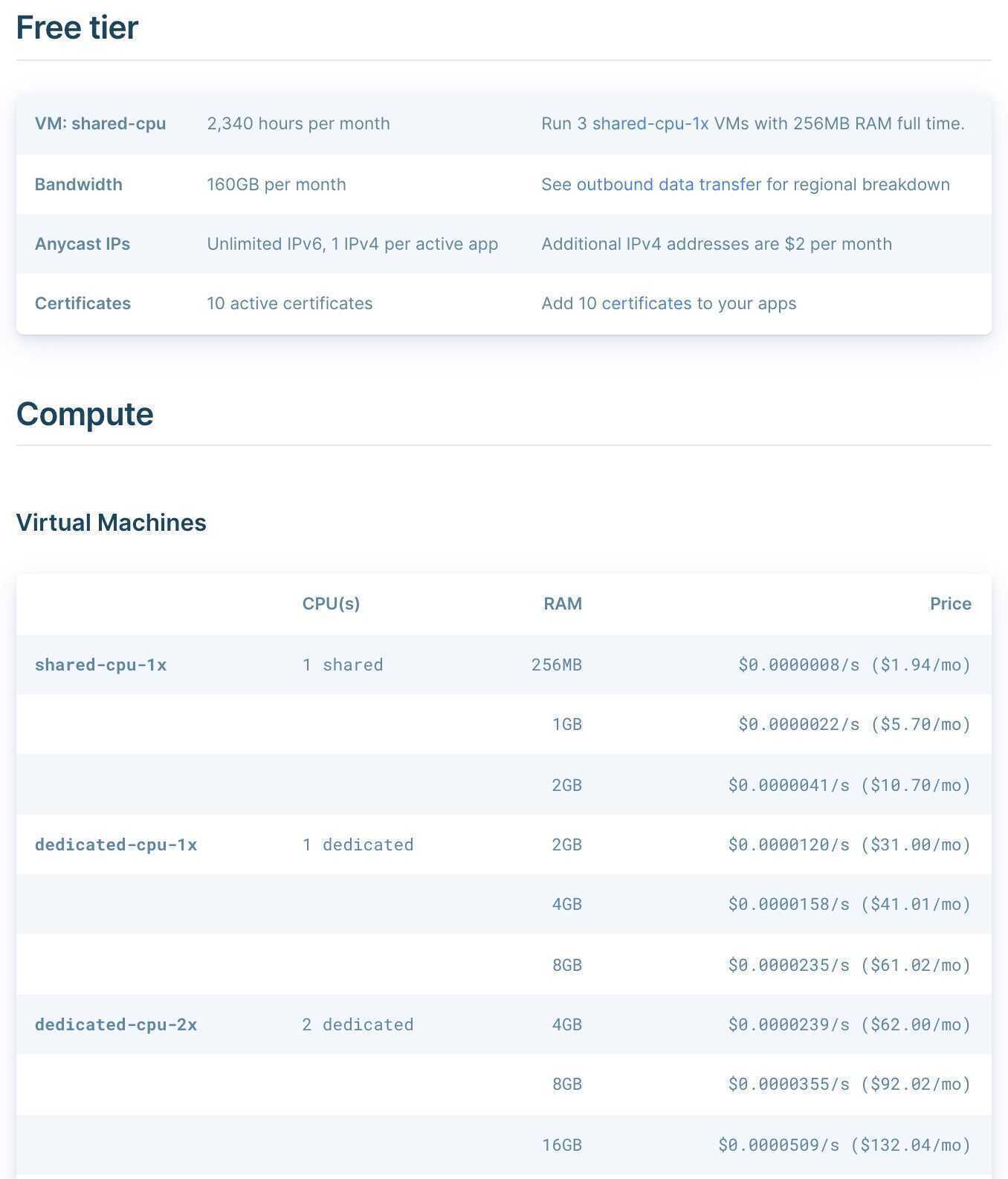
Price/Fee/Cost
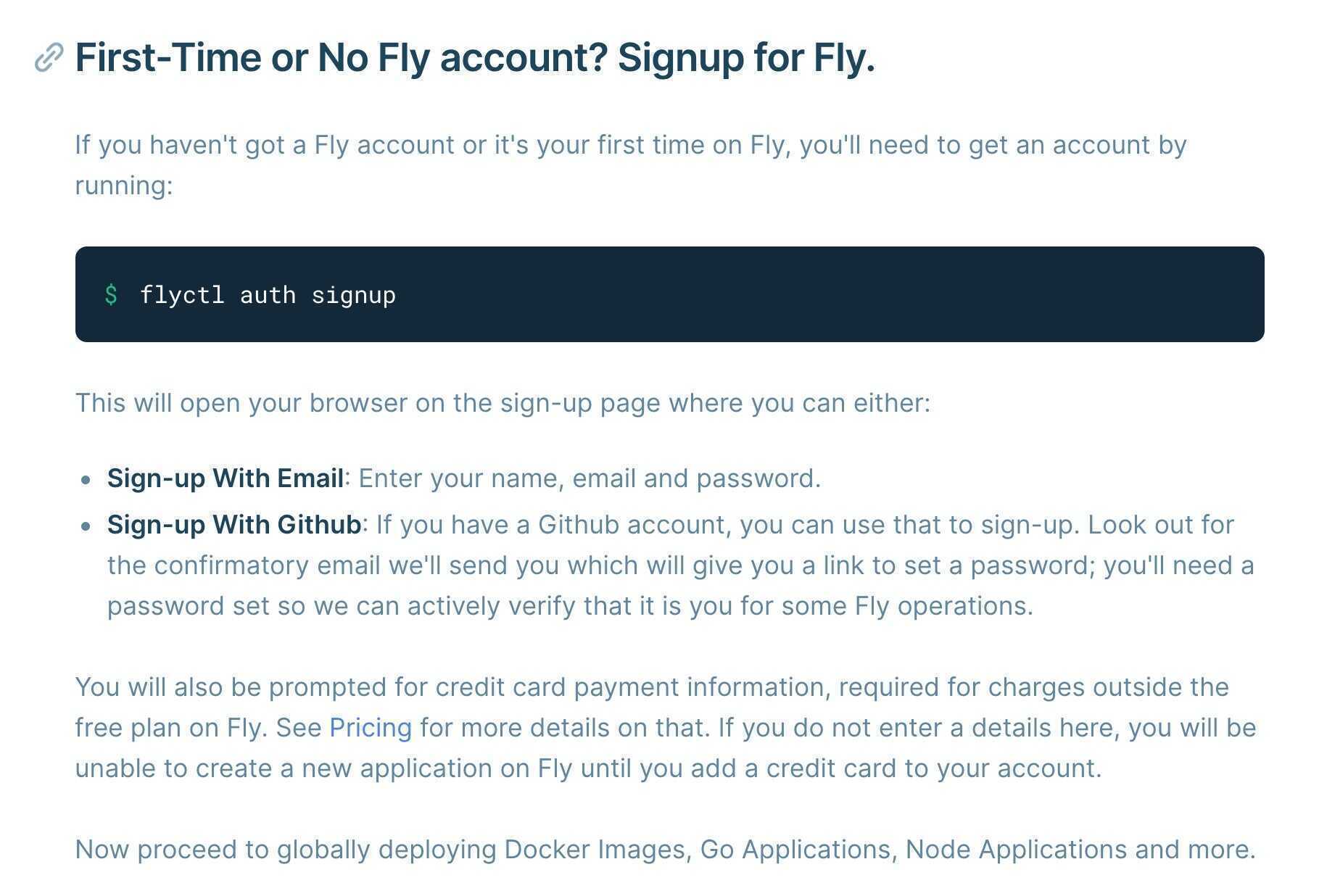
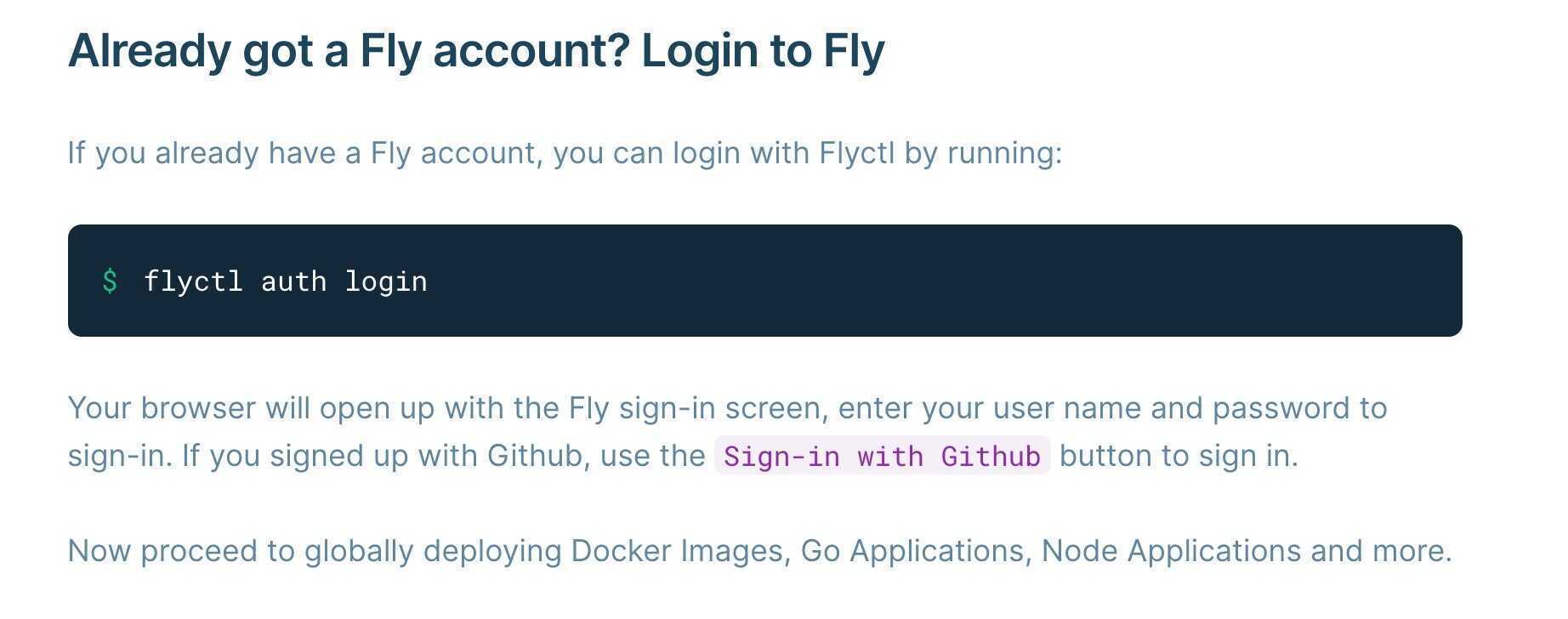
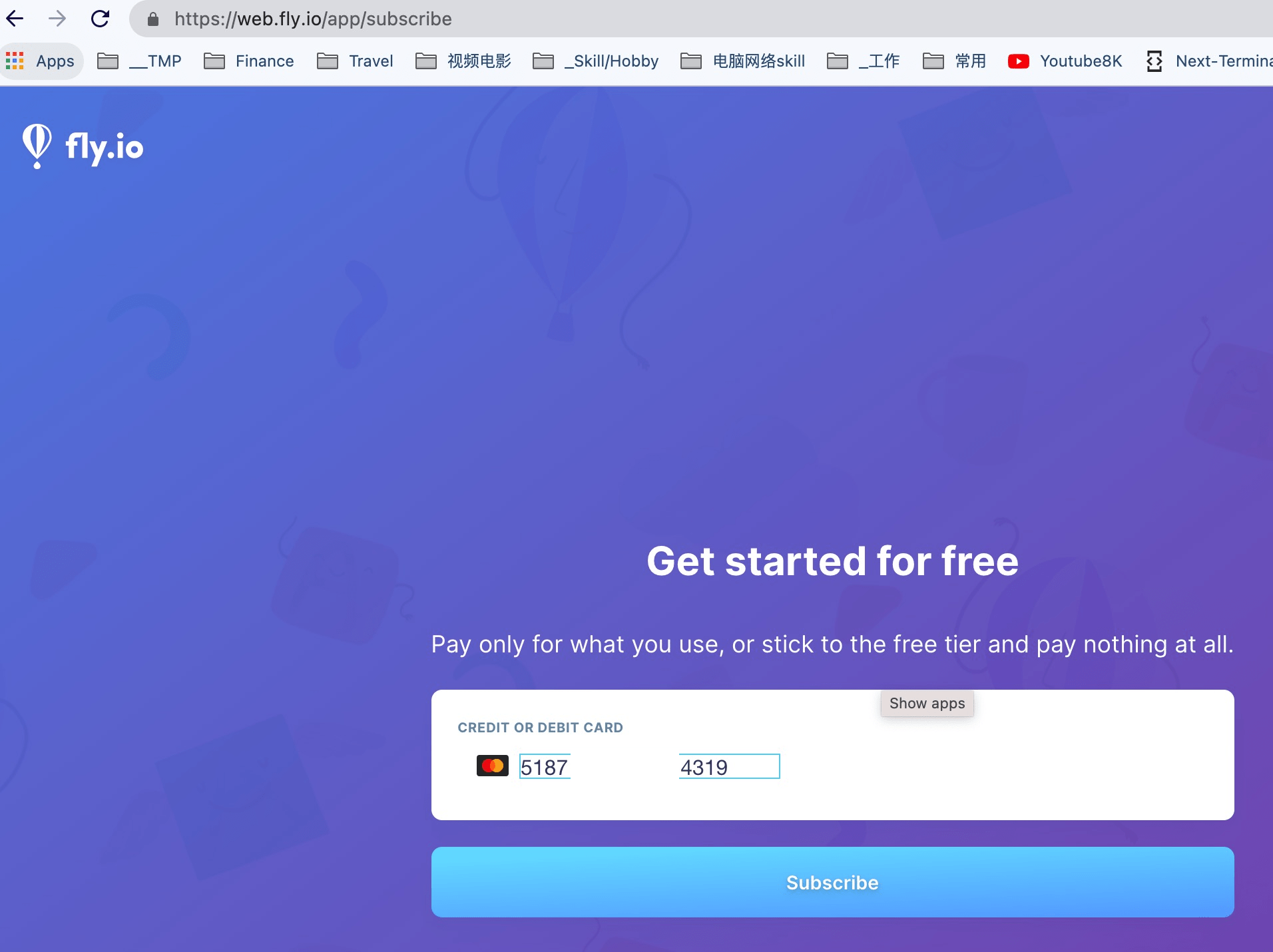
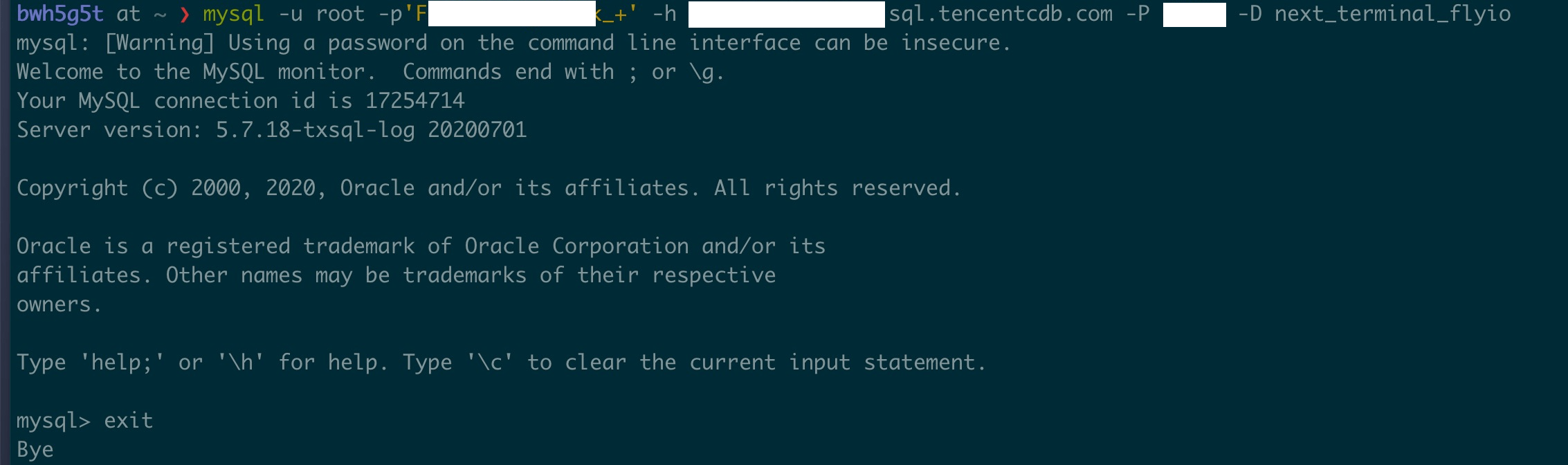
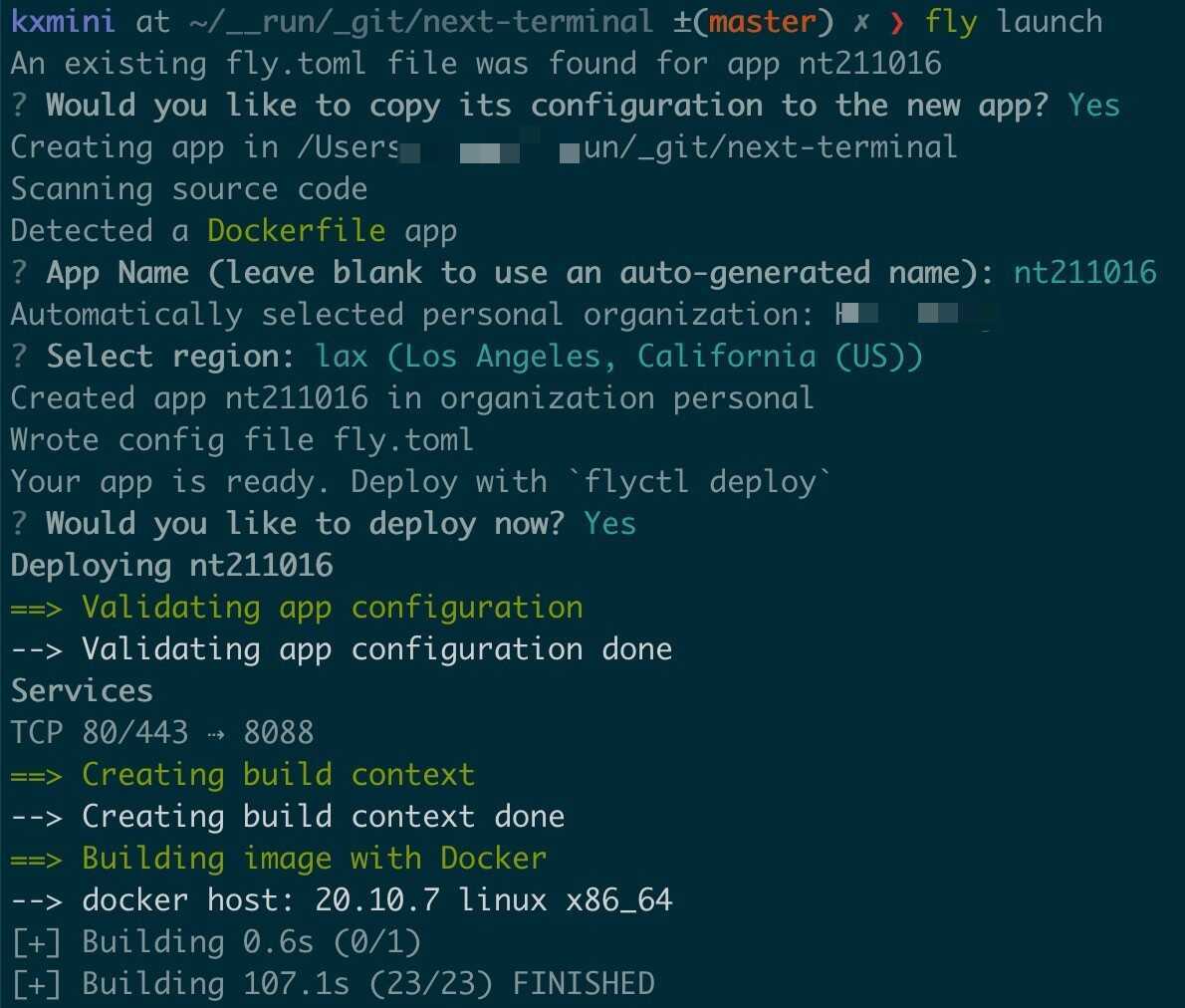
注册或使用
Shell
1
2
3
Shell
1
2
3
4
5
6
7
8
9
10
11
Shell
1
2
3
4
5
6
7
8
9
10
11
12
13
14
15
16
17
18
19
20
21
22
23
Shell
1
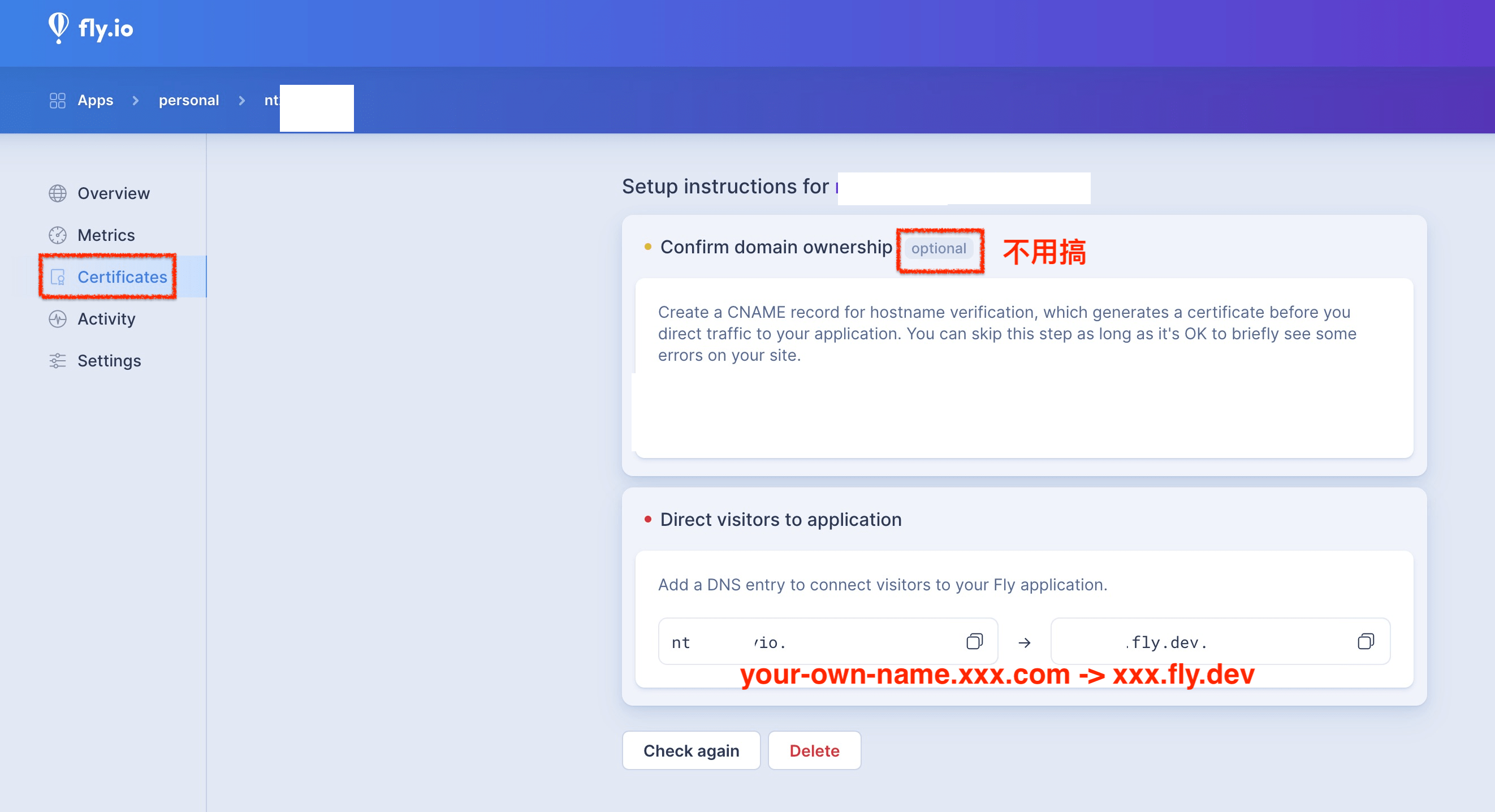
(optional) 自定义域名
- 建立 mysql.xxx.com => real mysql server

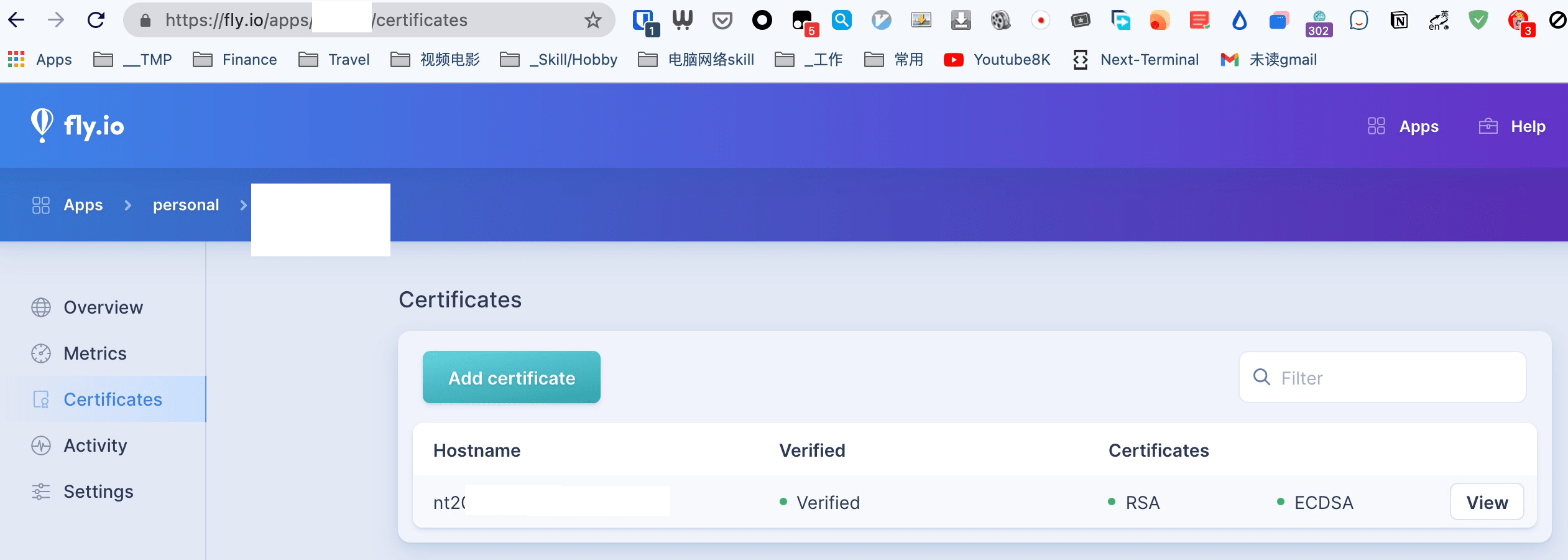
网页自定义域名
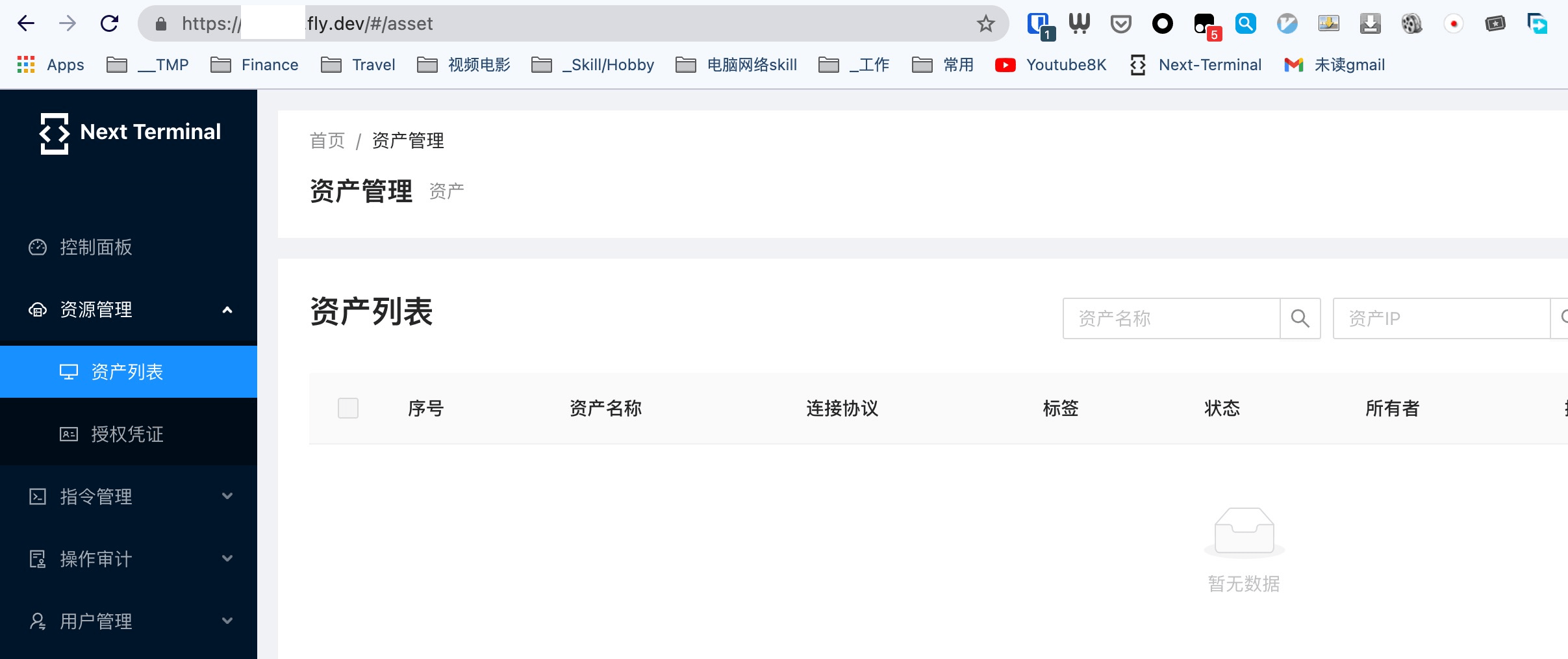
测试 – appname.fly.dev
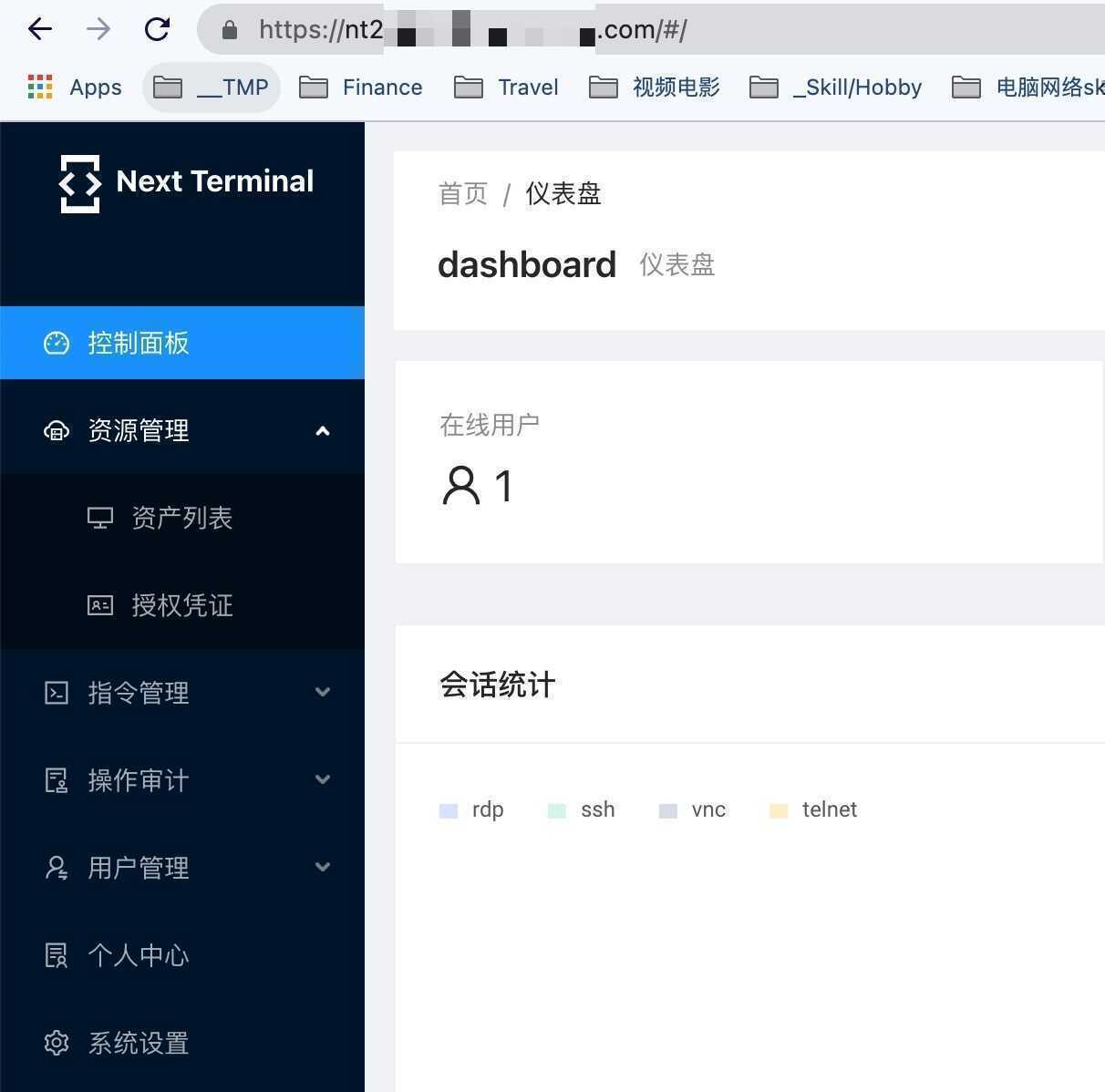
测试 – 自定义域名
一些fly.io的技巧
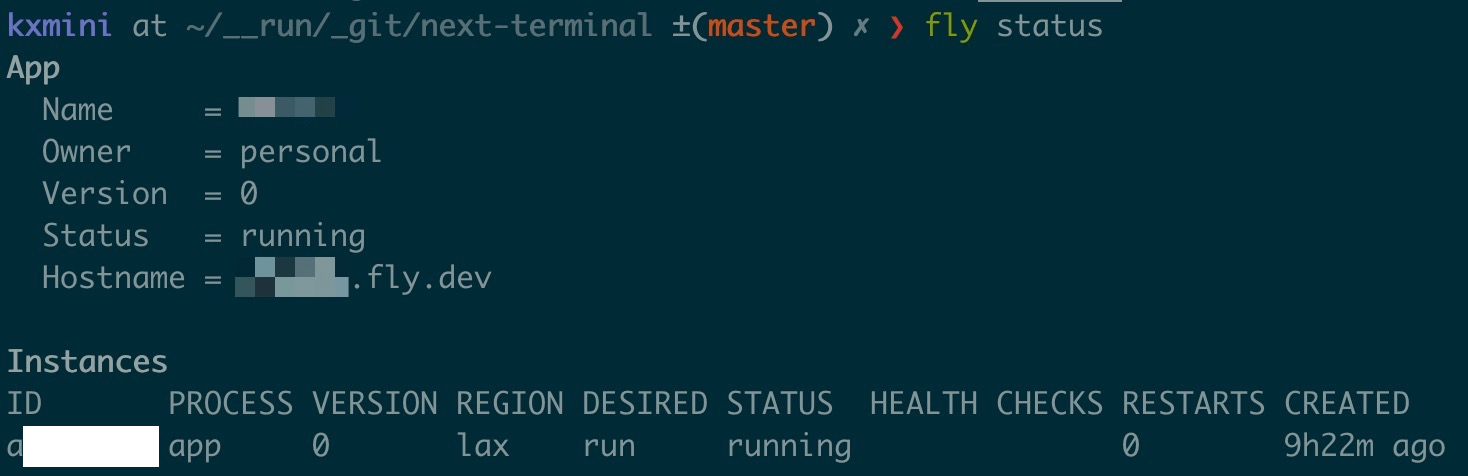
fly status
上一篇
6 Steps to Accelerate Cybersecurity Incident Response
下一篇
Zero Trust vs Defense in Depth: Which is right for your org? - One Identity - Blogs - One Identity Community
- Author:Netsec
- URL:https://blog.51sec.org/article/3ca39917-eca3-474d-8004-9b009df3d867
- Copyright:All articles in this blog, except for special statements, adopt BY-NC-SA agreement. Please indicate the source!